
Repair catalog / Operating Systems
USB Flash Drive for PS4 Reinstallation Update File
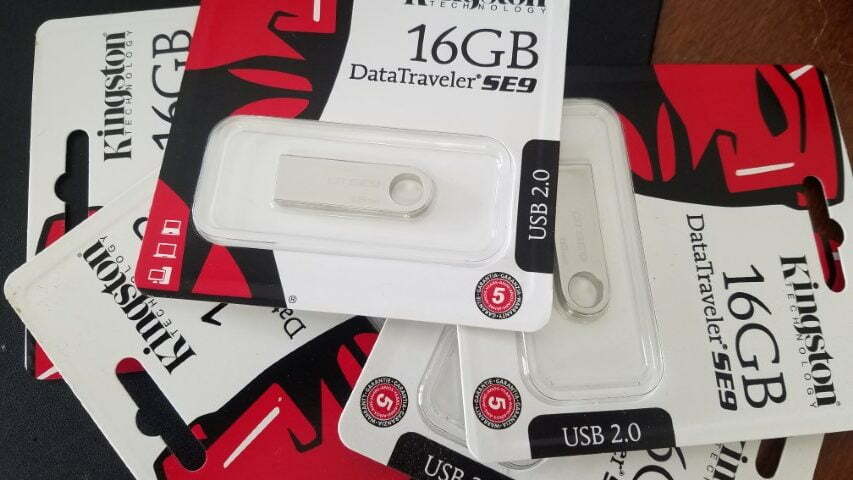
This USB drive is loaded with the PS4 Re-installation file. It is also loaded with the smaller update file.
By default, this is for the re-installation of the entire system. This flash drive will be loaded with the latest Re-installation file from Sony for the PlayStation 4 system. Just plug it in and follow the PlayStation instructions.
Simple Instructions:
Type 1:
Press and hold the power button from the off position of the PS4, until you hear the second beep. and let go.
safe mode menu will appear. Insert your controller to USB and the flash drive you received from ShipToFix.
select Re-installation option
follow the prompts to continue
Type 2:
After turning on the system the PS4 asks youto connect the PS4 controller.
connect controller VIA USB cable, insert flash drive.
follow prompts to reinstall the system software
At the time of writing these instructions the update file is 7.51.. however we will ship with latest files.
Related services
Browse all Operating Systems services on ShipToFix.
Local customers also visit us from:
Port Orange, FL
Daytona Beach, FL
Ormond Beach, FL
Need help? Call +1-888-305-4364 or email [email protected] for a free diagnostic.